Let me paint a picture.
You’re standing in line at the coffee shop. You reach for your phone — and instead of scrolling photos, your heart drops into your stomach. No phone. Or worse… the phone is there, but it won’t turn on.
Contacts. Messages. Photos.
Gone.
I’ve had this conversation with more than one mom, and every time I hear it, my stomach flips. Because the phone itself? Replaceable.
The photos? Not so much.
As a photographer and a mom, this matters deeply to me — and that’s why I want to talk to you about something unglamorous, unsexy, but incredibly important: how you protect the photos you’re already working so hard to take.
Before you tense up, let me promise you something right away:
This is not a tech lecture. This is a Photo Bestie conversation.

Why a Backup Plan Matters (Even If Nothing Has Gone Wrong)
Here’s the thing we don’t talk about enough:
We take more photos than ever… and protect them less than we think.
Phones break. Computers fail. Technology changes. Viruses happen. Accidents happen. Sometimes things just stop working for no clear reason at all.
And if you’ve never lost photos, that’s wonderful — but it’s also why now is the best time to put a plan in place. Not out of fear, but out of care.
Your photos aren’t just files.
They’re your children’s childhood.
They’re proof of a season you’ll never get back.

The 3-2-1 Backup Method (Simple, I Promise)
This method is widely taught to professional photographers, but I’ve broken it down specifically for families — no servers, no complicated systems, no paid IT support.
Here’s all it means:
3 copies of your images
Redundancy creates security.
2 different places
Different devices or storage types — so one issue doesn’t take everything with it.
1 copy that lives somewhere else
Usually cloud storage, so your images exist beyond your home and devices.
That’s it. Truly.
What This Looks Like in Real Life
Let’s make this practical.
A simple setup might be:
-
photos on your phone
-
backed up to your computer
-
backed up again to cloud storage
Or:
-
phone
-
external hard drive stored safely at home
-
cloud backup
Personally? I use all three:
-
an external hard drive (labeled by year)
-
I use Shutterfly.com as cloud storage (requires one order every 2 years)
-
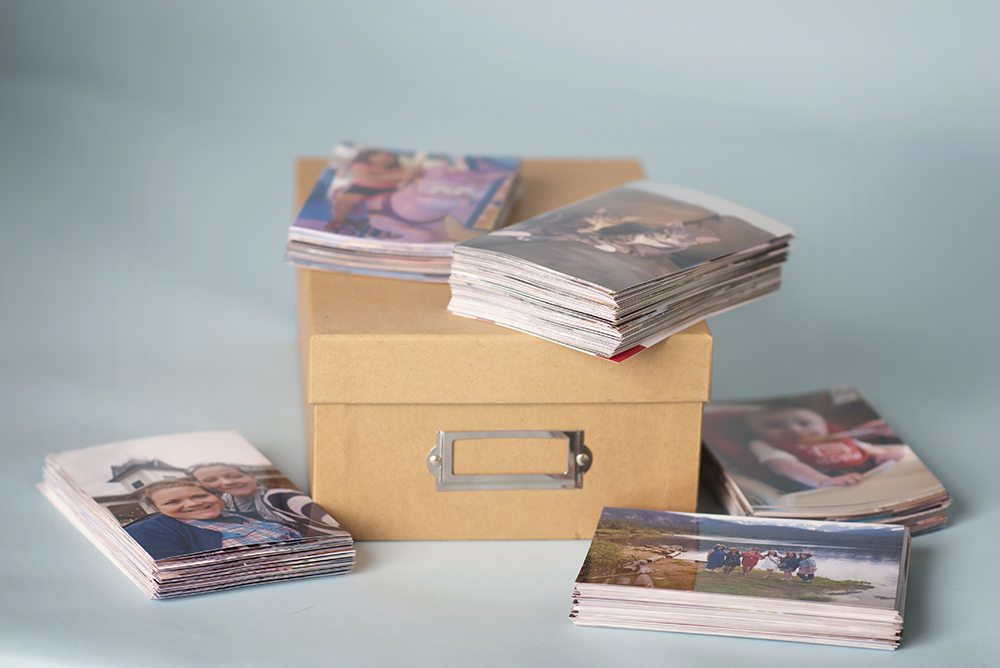
and 300-500 4×6 images printed yearly as a tangible archive
Technology changes, and prints don’t crash.
Yes, Prints Count (And They Matter More Than You Think)
This is where my photographer heart really comes in.
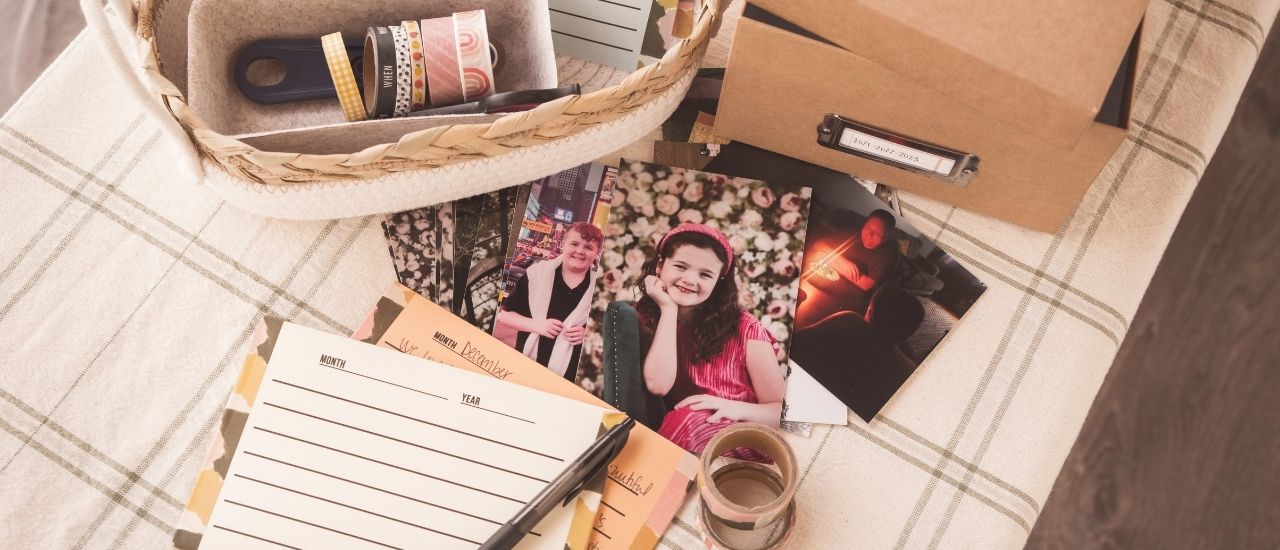
Printing doesn’t mean printing everything. It means choosing your favorites — the ones that make you pause — and giving them a physical place in your life.
A few easy ideas:
-
quarterly 4×6 prints stored in a labeled box
-
a simple photo book once a year
-
a small framed print collection that lives where you’ll see it
Technology evolves. Files get lost.
But prints get passed down.
That’s where the real magic happens.
The Secret Ingredient: A Reminder
The key to success isn’t motivation — it’s a reminder.
I recommend:
-
choosing a quarterly rhythm
-
setting a calendar reminder
-
backing up what you have, not what you wish you had done
Even once a year is better than never.
You don’t need to catch up on everything.
You just need to start.
 From Your Photo Bestie
If you’ve been feeling a little overwhelmed reading this, take a breath.
You don’t have to do this all today.
You don’t have to do it perfectly.
You already did the hardest part, you lived the moments. You showed up. You captured them.
This is just how we make sure those memories are still there when you need them most.
And if someday, years from now, you’re flipping through photos with your kids and telling stories about this season of life — that’s when this small, quiet effort will matter most.